Report Issue Topics
Report Issue Topics Overview
These are the issue topics that the driver can report from the mobile application.
Create Report Issue Topics
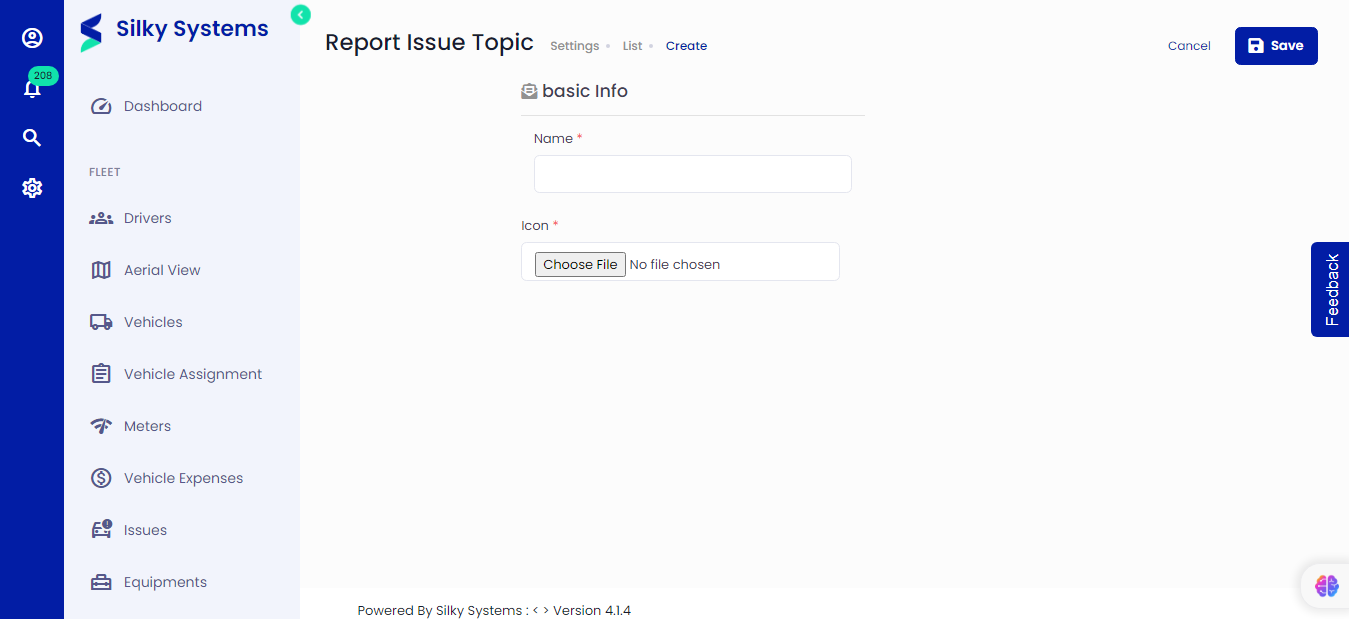 Figure.01 Create Issue Topics
To create a new Issue topic, click on Settings -> Report Issue Topics -> Add New. Type in the name of the issue and its unique icon. Click save when you are done.
Edit Report Issue Topics
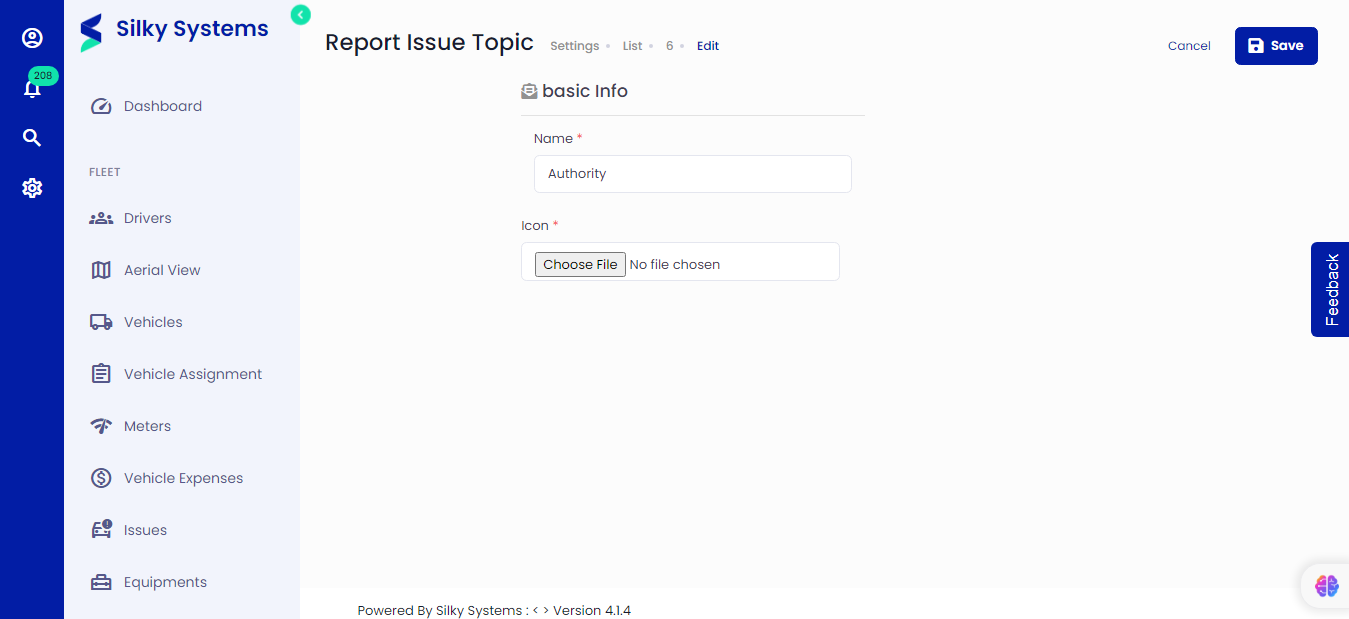 Figure.02 Edit Issue Topics
Similarly, you can edit the name and icon of an issue topic from the Report Issue Topics List and click on the edit icon.
View Report Issue Topics
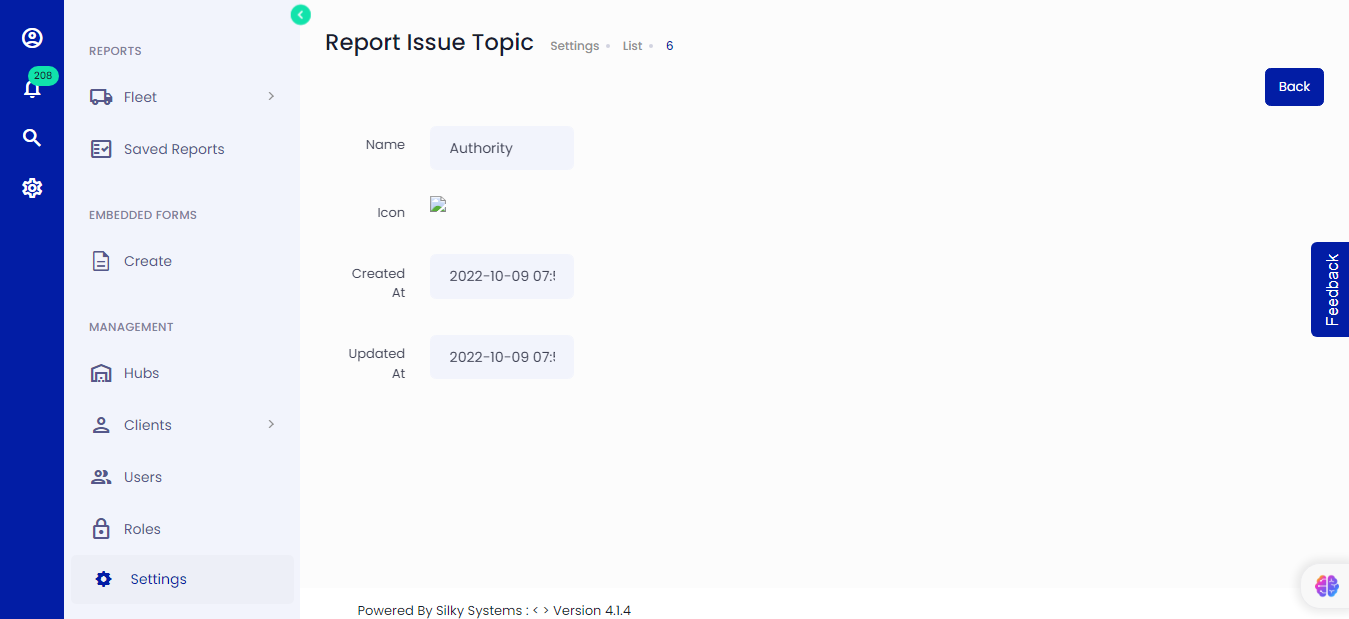 Figure.03 Edit Issue Topics
Click on the view icon to view the issue topic details from the Report Issue Topics List.
List Report Issue Topics
All the Report Issue Topics are listed on the Report Issue Topics page. Simply click on Settings -> Report Issue Topics
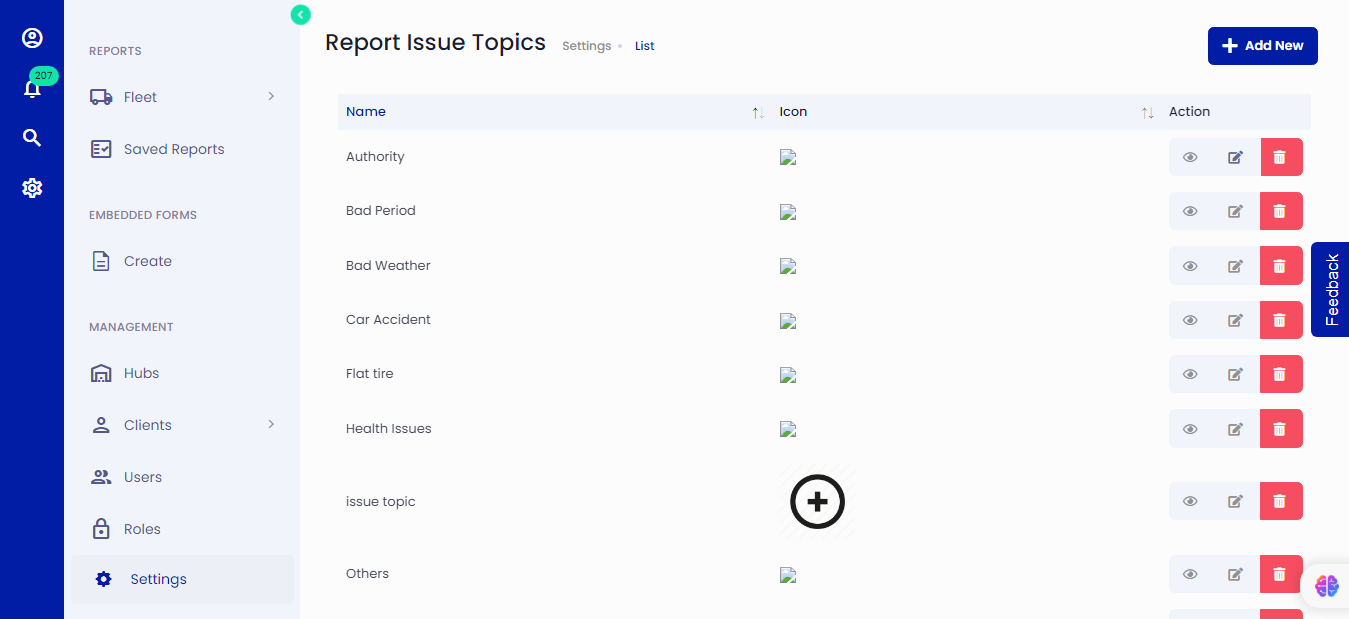 Figure.04 Report Issue Topics